
Payments & Offers
Gifts and coupons category
Applying a discount or promo code is simple:
- Add your items to your basket and proceed to checkout.
- On the checkout page, look for the "Discount code" or "Gift card" field.
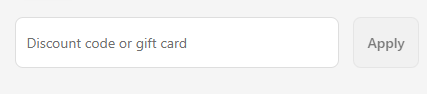
- Enter your code exactly as it appears (codes are case-sensitive) and click "Apply".
- Your discount will be applied to your order total before payment.
Please note: most promo codes cannot be combined with other offers unless stated otherwise. If your code isn't working, please check the expiry date and any terms that apply, or contact our support team via Sherlock.
Was this article helpful?
That’s Great!
Thank you for your feedback
Sorry! We couldn't be helpful
Thank you for your feedback
Feedback sent
We appreciate your effort and will try to fix the article


